Build real apps for Google Workspace with Gemini, without being a developer.
With this Gemini for Builders course, you will:
NO CODING EXPERIENCE REQUIRED
Every Workspace user has a list. The inventory tracker your team keeps fighting with. The form that should feed a dashboard. The repetitive task that eats an hour every week.
Until recently, building any of it meant learning to code, or waiting for someone who could.
That’s no longer true. AI can write the code. But there’s a big gap between typing a prompt and hoping for the best, and building something you can actually rely on.
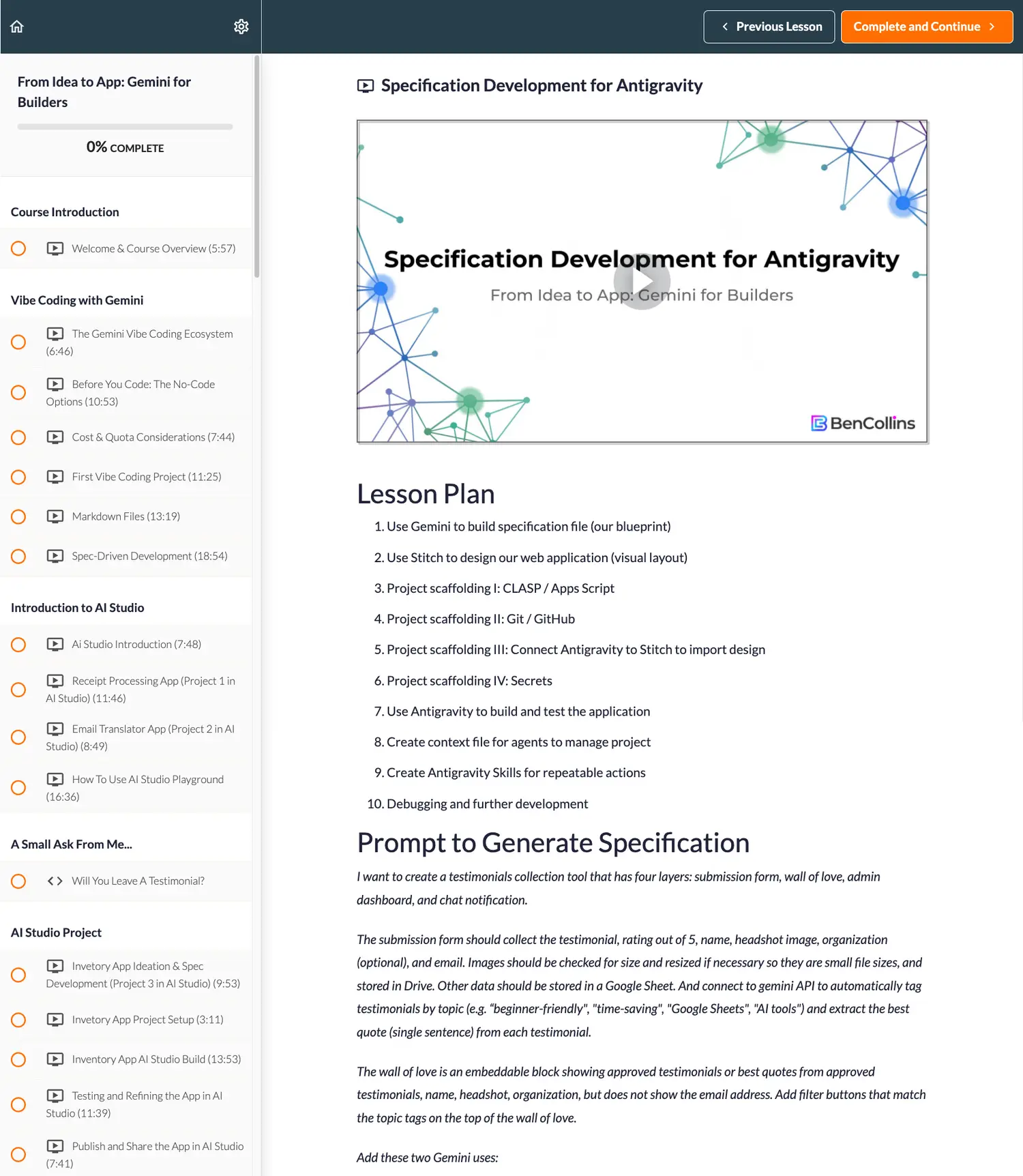
This Gemini for Builders course closes that gap. It’s a practical, step-by-step course that takes you from your first AI-built script to a fully deployed, version-controlled app, using a professional-grade workflow that works every time, whether or not you’ve written a line of code.
In this highly practical, hands-on course, you’ll learn not only the key features and current best practices for building apps and tools with Gemini, but also cultivate a modern mindset for working effectively in the AI era.
You’ll learn the tools, but also the AI-first mindset: plan first, then let the AI do the heavy lifting.
"This course was outstanding! It offered just-in-time learning that perfectly fit my schedule. The content was engaging and effectively demonstrated how Gemini integrates into the Google Workspace ecosystem. I highly recommend this course."
Diane Woodard
"This is a brilliant course. Ben always manages to keep the lessons short but comprehensive. No fluff! I feel that the technical level is perfect too. Thoroughly enjoyable and the scariness of our new AI world has been moderated greatly."
Charles Kenyon
"Bite-sized, clear, actionable learnings that can make anyone using a spreadsheet better overnight. This is a great showcase of how AI can significantly elevate our productivity."
Kevin Scott, PGA of America
Most people vibe code by typing a vague prompt and going with whatever comes out. That works. Until it doesn't.
Building custom software doesn't have to be hard though.
This course will demistify the process and show you best practices for building robust custom software tools you can use in your own work.
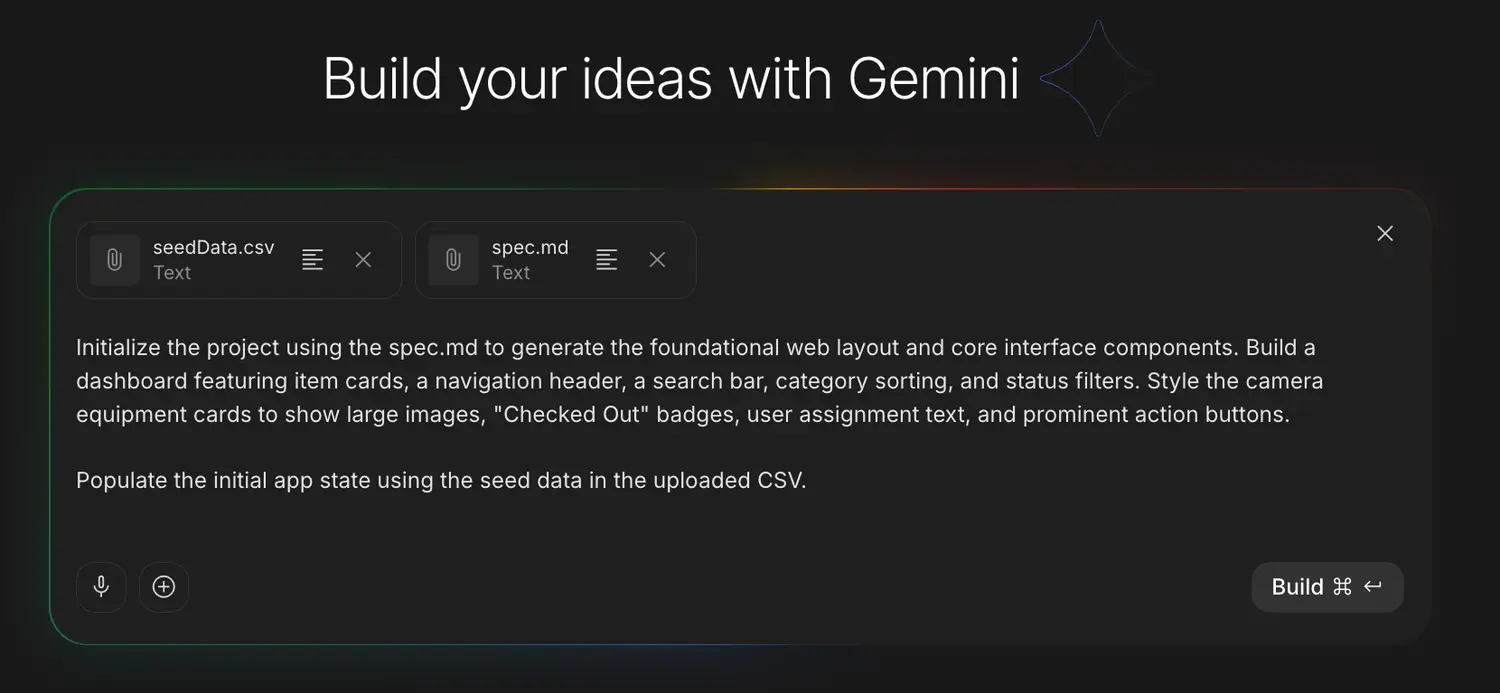
In this course, every project starts with a specification markdown file, a clear written blueprint that becomes the single source of truth for the build. By the time we reach the testimonial tool, one short prompt builds the entire app, because the spec and design files have already done the upfront work.
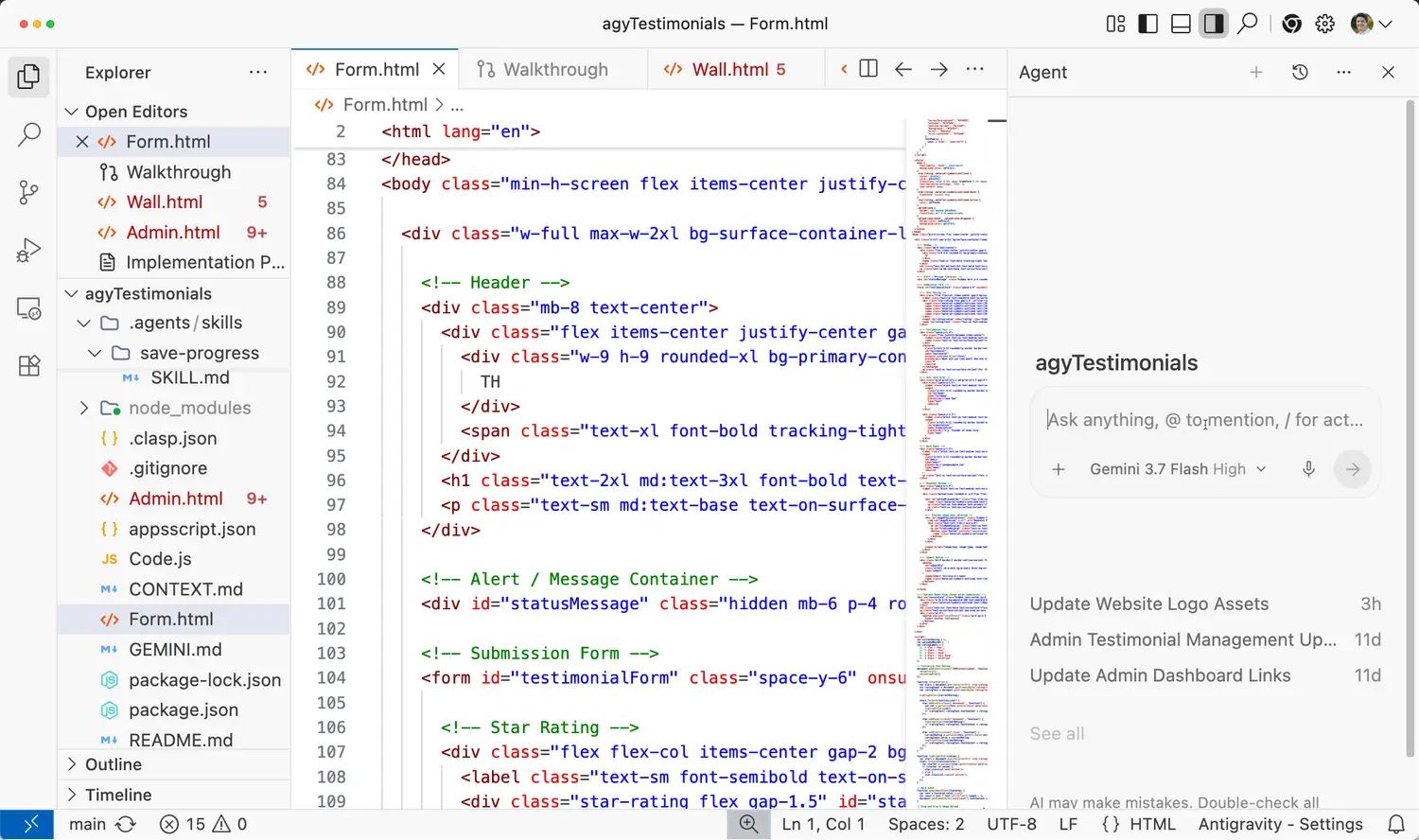
You’ll also learn to keep a context file and create your own skill commands, so every session starts where the last one finished. It’s the same method on every project, which is what turns a one-off success into a repeatable workflow.
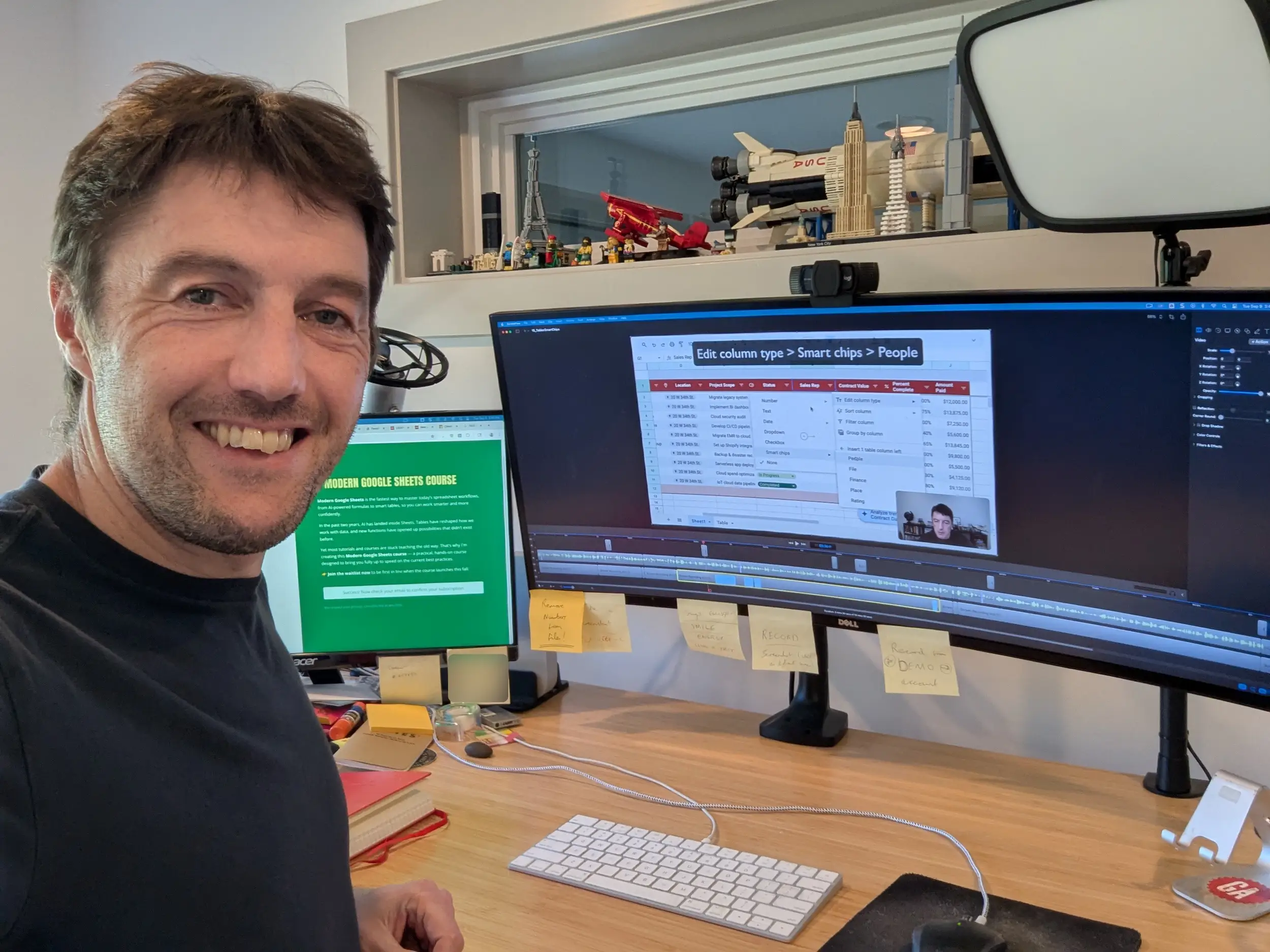
I'm an experienced data analytics instructor and spreadsheet developer.
I help individuals and businesses better understand their data through analytical insights and visualizations.
Over 75,000 professionals from 1,000+ companies have enrolled in my training courses, including employees from PwC, Netflix, Verizon, Google, the UN and other Fortune 500 companies.
Since 2019, Google have recognized me as a Google Developer Expert for G Suite Technology, one of only a handful worldwide.
I also have extensive experience with Google Apps Script, Google Looker Studio, Microsoft Excel, SQL and Tableau.
I previously taught data courses and workshops for the education startup General Assembly in Washington, D.C.."
Online courses authored
Students trained
Google Sheets and Apps Script tutorials
Here’s a short 2-minute excerpt from one of the lessons to give you a sense of what the course is like.
It's part of a video explaining the shift from manual prompts to specification files:
* special launch offer for this week only.
Join Gemini for Builders to learn how to build custom apps with Gemini, Google AI Studio, and Google Antigravity. No prior experience required.
Join today to:
This course is online and completely self-paced. Start whenever you’re ready (it’s available right now if you want) and take as long as you want to finish.
How does lifetime access sound? After enrolling, you have unlimited access to this course for as long as you like - across any and all devices you own.
Whilst the course has approximately 5 hours of video lessons, covering Gemini, Google AI Studio, Google Antigravity, automations, agents, and a host of other techniques, you don't have to watch them all, or watch them in a particular order.
This course focuses on practical techniques and teaches concepts through real-world examples, so that you won’t get lost in abstract theories and dense lectures. As long as you aren’t afraid to roll up your sleeves and put some effort in, then you’ll be able to grasp the content of this course. You’re free to watch the lessons in any order and as many times as you like, so you can take as long as you want!
It can be helpful but is definitely not required. The majority of lessons use free tools like the Gemini app or the free tier on AI Studio and Antigravity.
In order to comply with EU and US State regulations, buyers may be charged a VAT or Sales Tax at checkout. This money is passed on to the relevant tax collection agency.
Yes, of course! You’ll receive a receipt after you purchase, but if you need something additional, please contact us and we can provide an invoice.
Yes! All the prompts and templates are provided, so you can download your own copies. Clicking on the template links will make a copy on your Drive account.
Yes, it is, if you're willing to invest the time. It does move quickly into intermediate topics with Gemini but if you're a beginner you can watch the videos as many times as you like. Also, if you're past the beginner stage, you likely won't be bored!
Not satisfied? Our belief in the effectiveness of this course is so strong, we offer a full refund within 14 days!
Your tech journey is completely risk-free.
Step into the modern AI-first world with industry-ready skills.
Join us today!